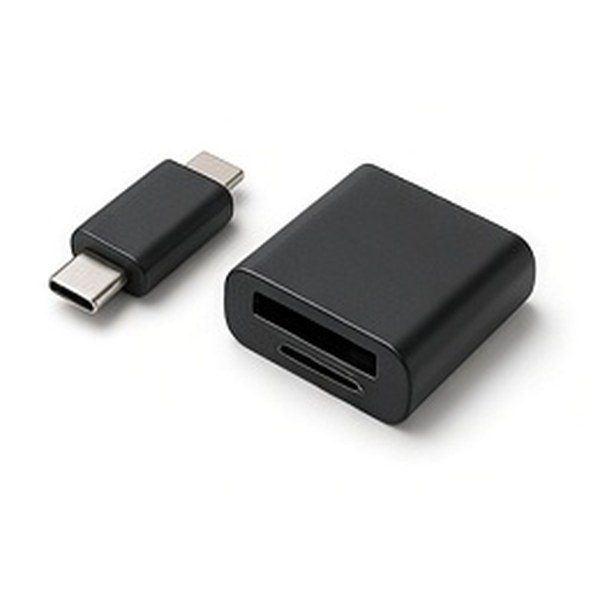
Clear technology guides and shopping inspiration
Technology Deals 4 UUK tech buying guides

Computer Storage

Compare computer storage styles for backups, file transfer and expanding a laptop or desktop. Flash drives, SSDs, hard drives and card readers each suit a different job.

Read More

Choose By Job, Not By Headline Size

Pick the format first: a flash drive for quick transfers, a portable SSD for larger regular transfers, a hard drive for home backups, or a card reader for cameras and drones. Then choose the capacity you need.

Check Ports And Formats

Confirm USB-A or USB-C on every device and whether the drive needs reformatting for Mac, Windows, TV or console use. The listing usually states what it works with out of the box.

Keep Two Copies

Any single drive can fail or go missing. Keep important files in at least two places, such as a portable drive and a desktop drive or cloud storage.

Browse Current Styles
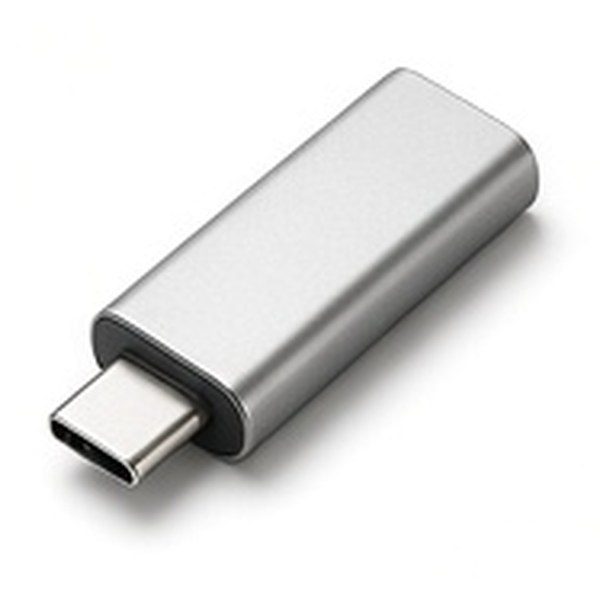
Generic illustration of usb-c flash drives

USB C Flash Drives

Compact sticks for newer laptops and phones.

COMPARE OPTIONS

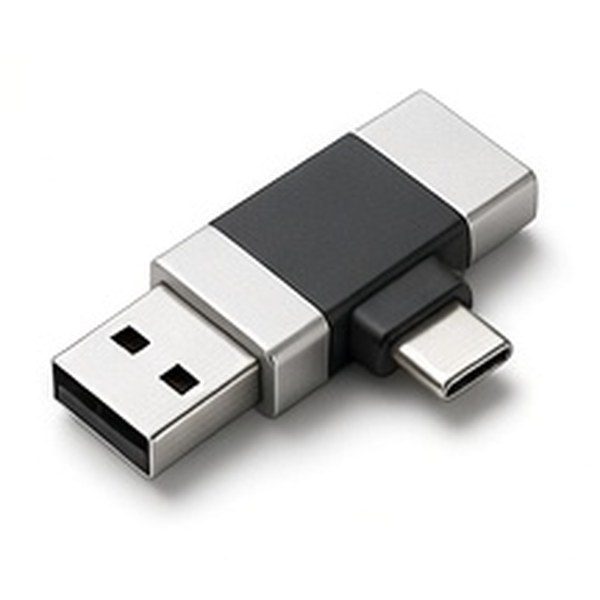
Generic illustration of dual-connector flash drives

Dual Connector Flash Drives

USB-A and USB-C in one drive.

COMPARE OPTIONS

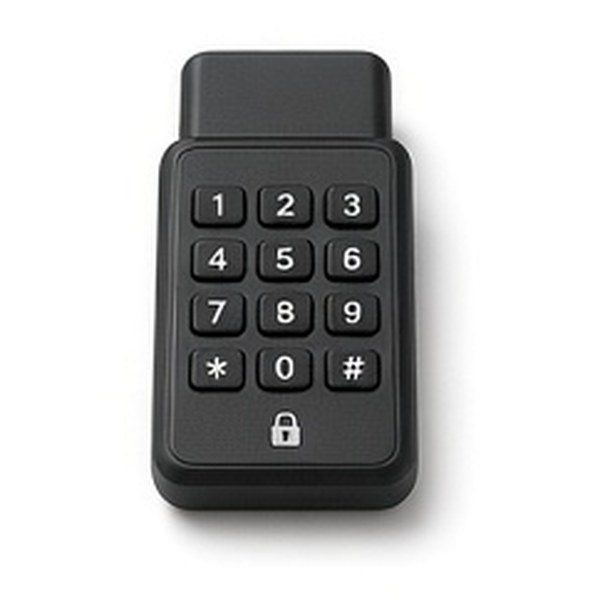
Generic illustration of encrypted flash drives

Encrypted Flash Drives

PIN-protected drives for private files.

COMPARE OPTIONS

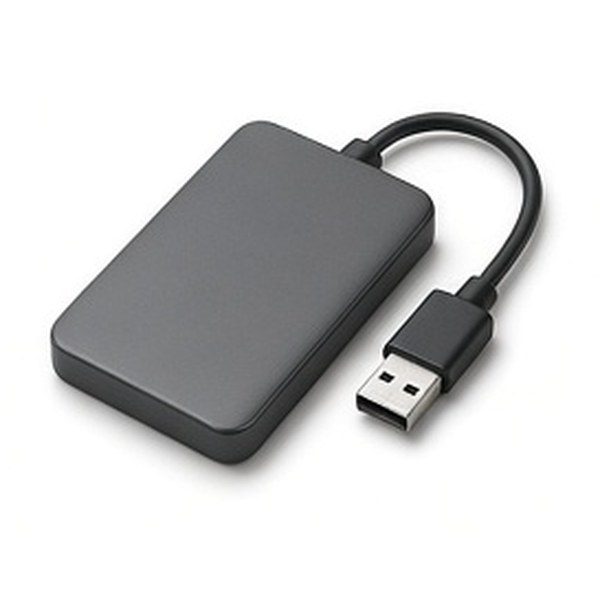
Generic illustration of portable hard drives

Portable Hard Drives

Bus-powered drives for home backups.

COMPARE OPTIONS

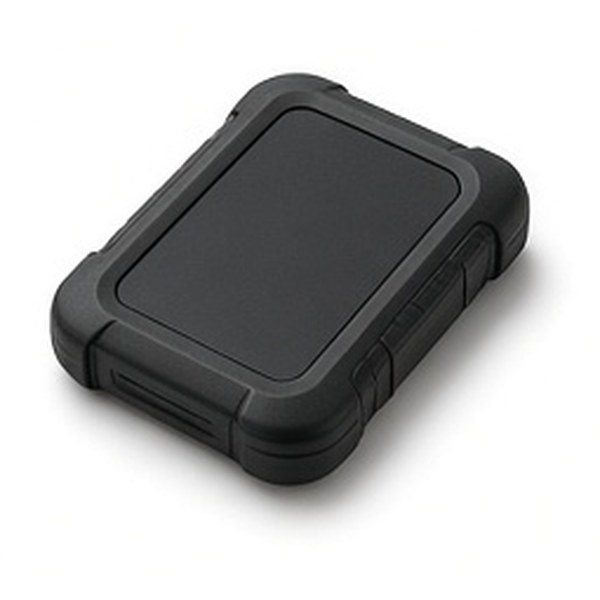
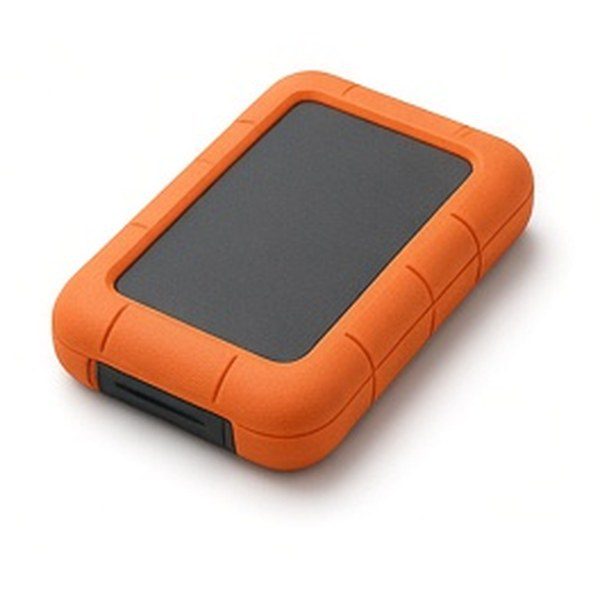
Generic illustration of rugged portable hard drives

Rugged Portable Hard Drives

Hard drives with a protective shell.

COMPARE OPTIONS

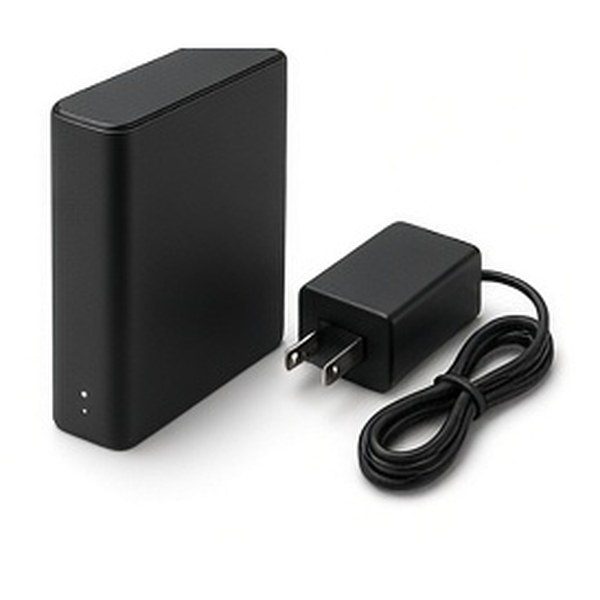
Generic illustration of desktop external hard drives

Desktop External Hard Drives

Mains-powered drives for large libraries.

COMPARE OPTIONS

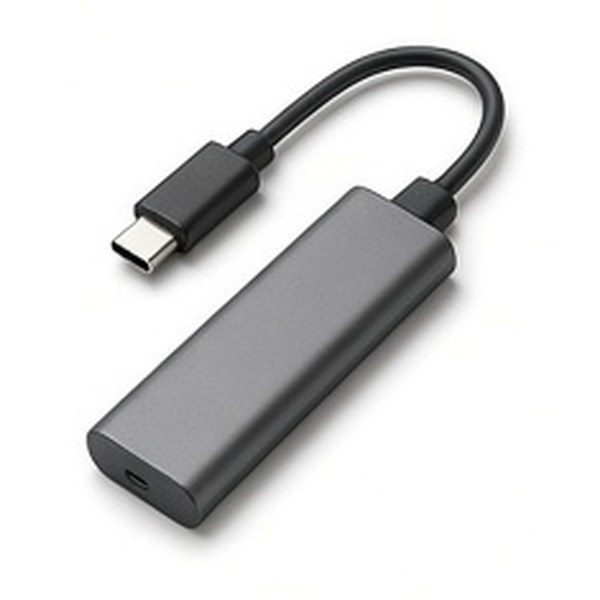
Generic illustration of usb-c memory card readers

USB C Memory Card Readers

Read camera and drone cards on a laptop.

COMPARE OPTIONS