Laptops
Read More
How to compare laptop formats and configurations
A laptop name can cover several configurations that look almost identical. Start with where the computer will be used and which tasks, accessories and software it must support. Then compare the exact processor, memory, storage, display, operating system, ports and power adaptor named in each listing. A family name or promotional photograph is not enough to identify the configuration you will receive.
Begin with size, weight and everyday location
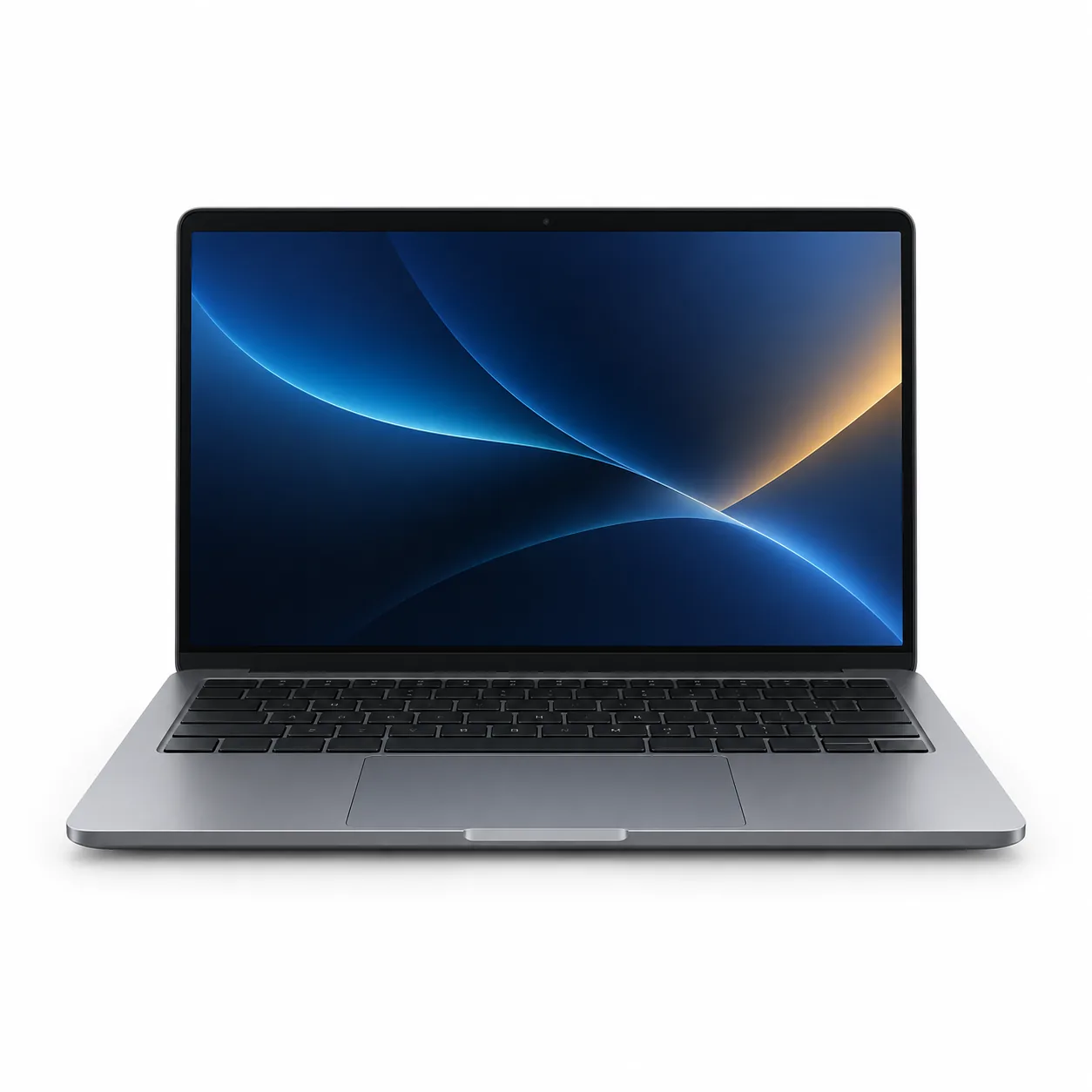
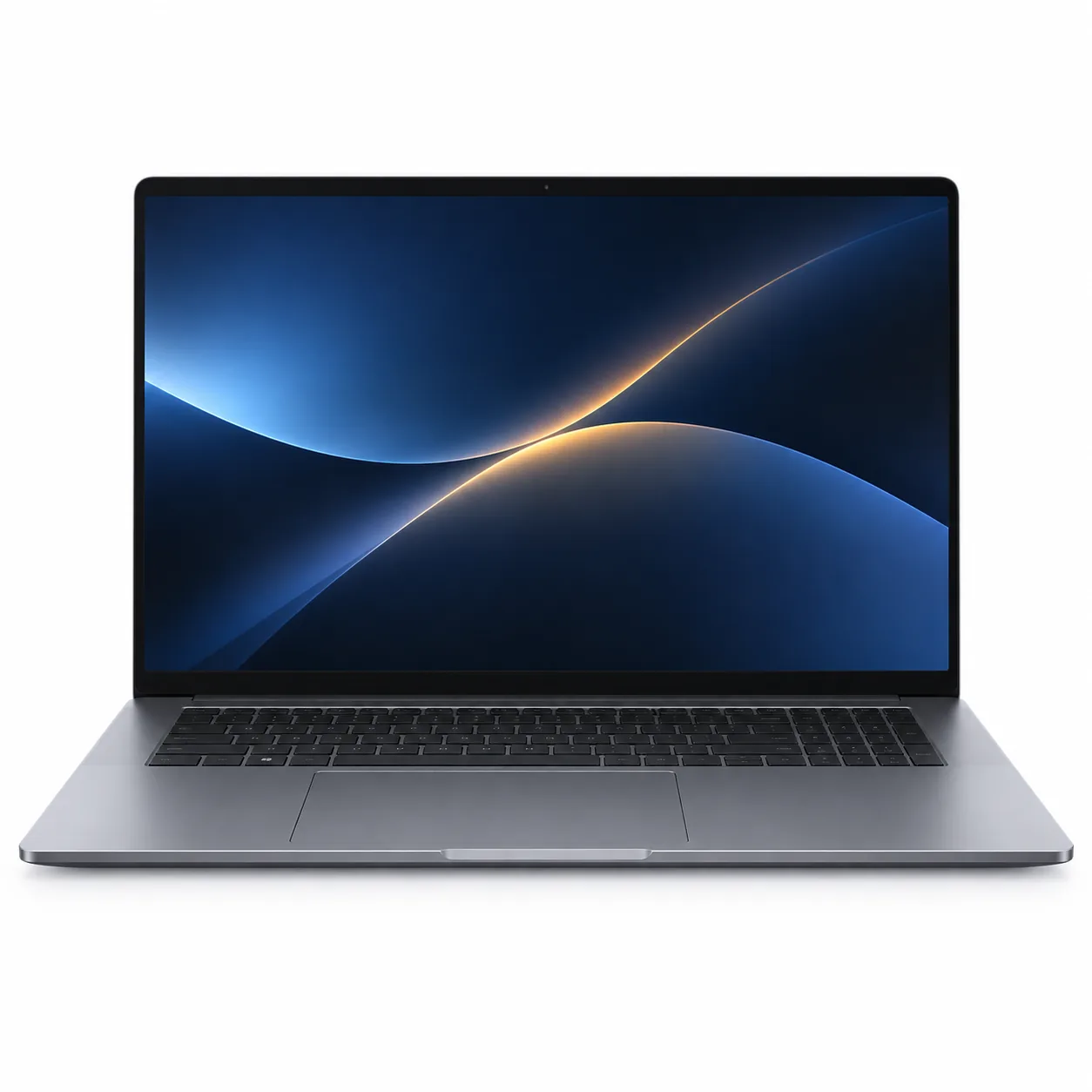
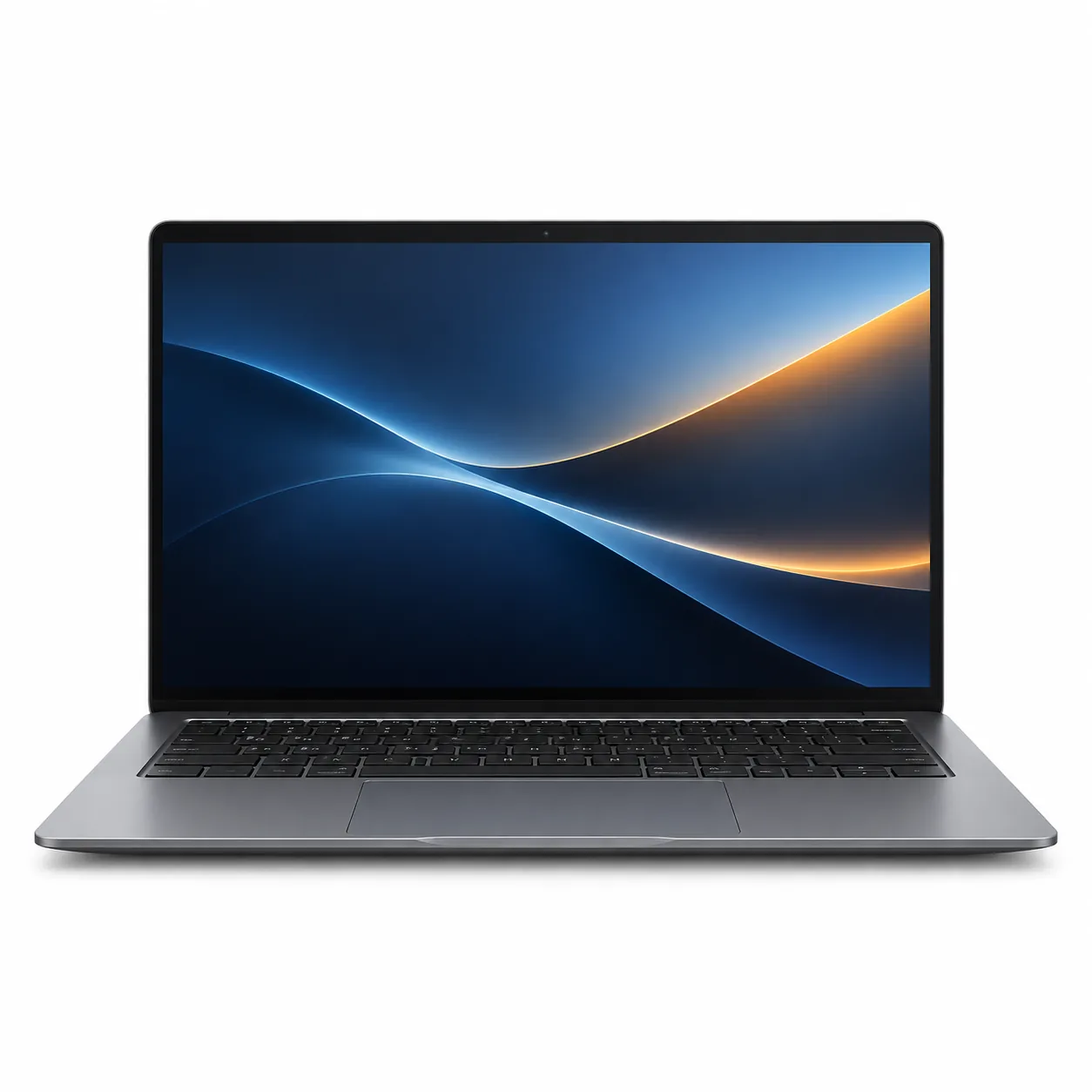
Screen size is normally measured diagonally and does not describe the complete footprint. Check the listed width, depth, thickness and weight as well as the display size. A smaller laptop may be easier to carry between rooms, while a larger chassis may provide a wider keyboard, number pad or additional connections. Measure the bag, shelf, desk or stand where the laptop will be kept, leaving room for plugs and ventilation as directed by the manufacturer.
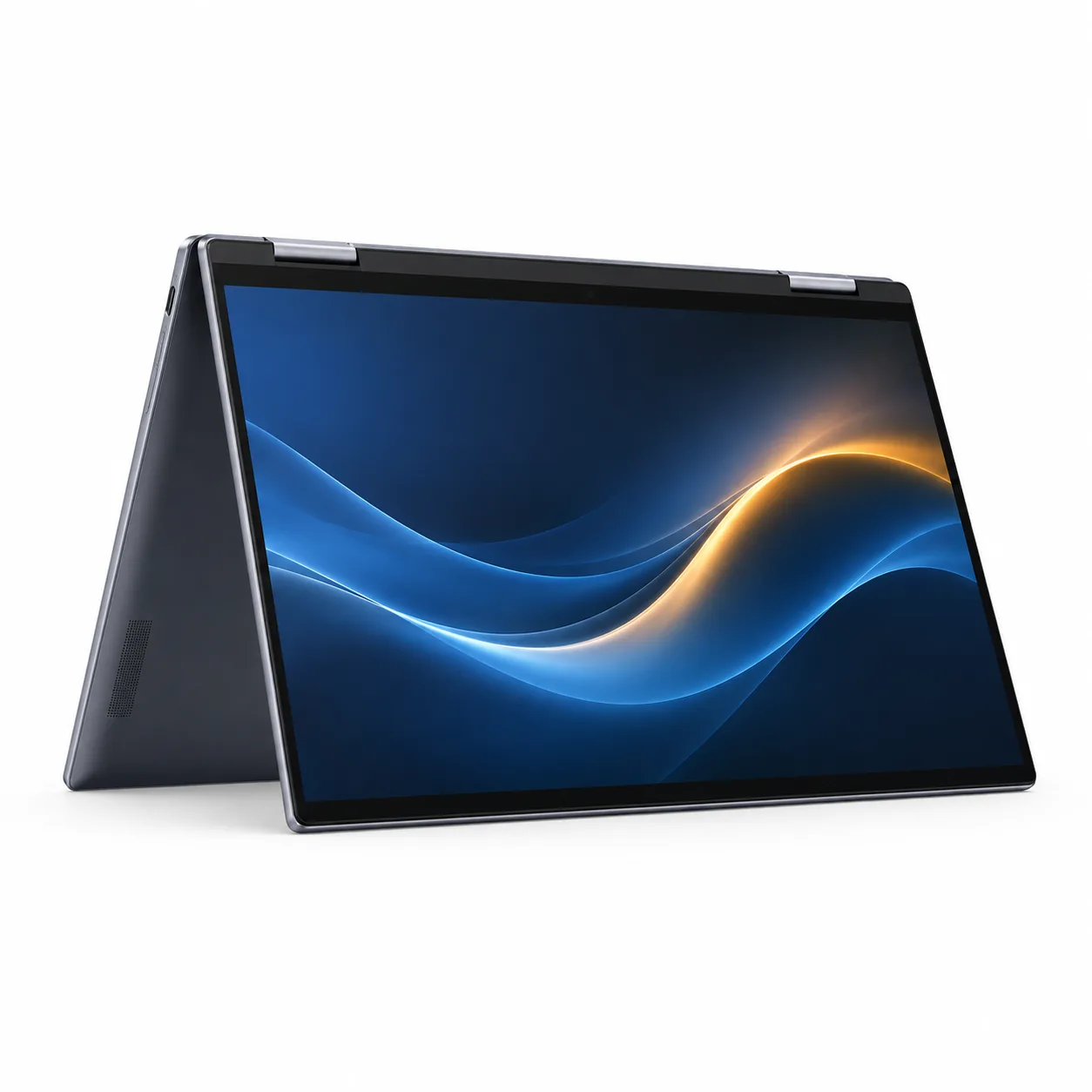
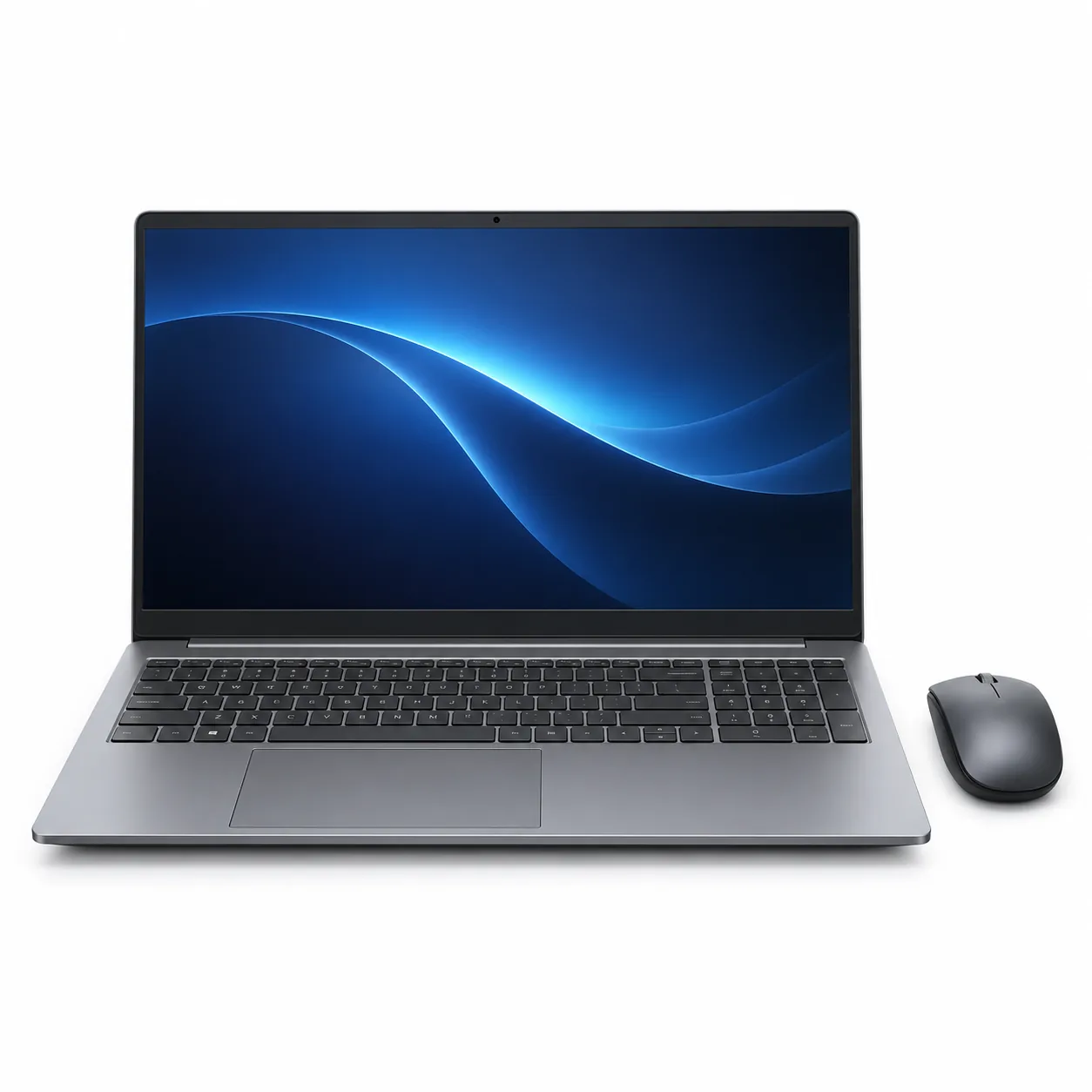
Convertible and 2-in-1 laptops may fold or detach for different positions. Check whether a keyboard, pen or protective cover shown in a photograph is included. For a conventional clamshell model, compare the hinge opening and the position of ports if it will sit on a narrow stand or connect to equipment on one side of a desk.
Confirm the exact processor, memory and storage
Retailers often group several processors, memory capacities and storage sizes on one page. Record the full model code, retailer stock code and complete configuration selected in the option controls before comparing the price or included features. Check the processor model rather than relying only on a broad family label. For memory, note the installed amount, the supported maximum and whether the listing or manufacturer states that it can be upgraded. Soldered memory and removable modules require different ownership decisions.
Storage descriptions should state the capacity and type of the installed drive. If you plan to keep large photo, video or project libraries, compare available internal storage with your current use and backup plan. If expansion matters, verify the available internal slot or supported memory-card format in the manufacturer documentation. Do not assume that a similarly named model has the same internal layout.
Compare the display and keyboard details
Look beyond diagonal size. Listings may identify resolution, panel type, surface finish, refresh rate, touch support and brightness. Treat these as configuration-specific details and check the exact model code. For a touchscreen or convertible, confirm whether pen input is supported and whether a pen is supplied. If colour work matters, use the manufacturer’s stated display coverage rather than conclusions drawn from a product image.
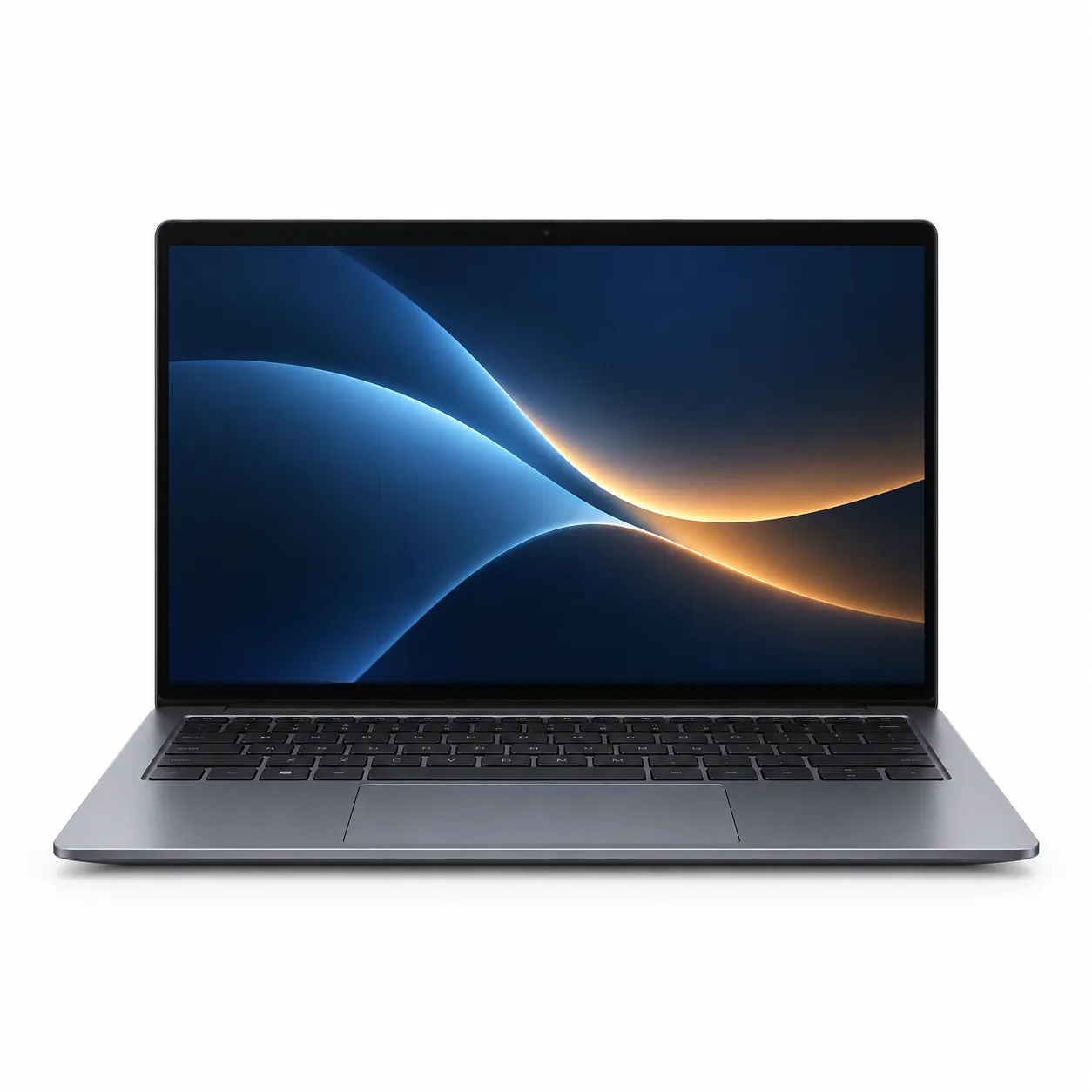
Check the keyboard layout shown for the UK listing, including the Enter key, number pad, arrow keys and function row. Backlighting, fingerprint readers and dedicated keys may vary between configurations. Compare the touchpad size and webcam position, and confirm any camera shutter or sign-in feature directly from the selected model’s specifications.
Plan ports, displays and network connections
List the equipment you already use: monitor, projector, mouse, keyboard, headset, storage drive, memory card and wired network connection. Match each one to the laptop’s stated ports. A USB-C connector does not by itself confirm charging, display output or a particular transfer standard, so check the capability assigned to that exact port. If an adaptor or dock is needed, include it in the space and cost comparison and verify compatibility.
For wireless connections, compare the Wi-Fi and Bluetooth versions stated by the manufacturer with your router and accessories. If video calls are important, check the listed camera, microphone and audio connections. Specifications describe compatibility; they do not guarantee the quality of a particular network, room or call.
Check power, software and support
Confirm the operating-system edition, included charger, connector and stated power rating. Manufacturer battery figures are usually measured under defined test conditions, so compare the test notes as well as the headline number. Check warranty coverage, return terms and the manufacturer’s driver or update information for the exact model. If a required application or peripheral has published system requirements, compare those requirements directly with the selected configuration.
Compare bundles and ongoing costs
Bundles can add a sleeve, mouse, adaptor, software subscription or security package. List each included item and decide whether it replaces something you already own. For software, identify whether the licence is permanent or time limited, which account activates it and what renewal charge or reduced functionality follows the included period.
Check whether accessories use the laptop's available ports or require an additional receiver, dock or power socket. A case or sleeve should match the complete chassis dimensions, while a dock should support the required displays, charging and data connections. Comparing the whole setup can reveal costs and desk space that the laptop listing alone does not show.
Look at access, upgrades and repair information
If future changes matter, use the service manual or manufacturer specification to check whether memory, storage or the battery is replaceable and which parts are accessible. Do not infer upgradeability from the visible screws on the base. Opening a laptop can have warranty and handling requirements, so follow the exact model documentation or use an authorised service route where the maker requires it.
Check whether recovery media, reset instructions, firmware and device drivers are available for the operating system supplied. For a used or refurbished listing, identify the stated condition, included charger, battery information and seller warranty. These details should be written for the exact unit rather than borrowed from the new-product family page.
Plan delivery, setup and returns
Compare the packaged dimensions and weight if the laptop will be collected or carried onward. Read the seller's current delivery and return terms for computers, including any process for reporting transit damage or a missing accessory. Keep the packaging until the selected model, charger, keyboard layout and included items have been checked against the order.
Before moving personal files, review the manufacturer's initial setup, account, recovery and update instructions. Confirm the return conditions before installing upgrades or removing protective films. If the computer will be managed by a school or employer, ask which operating-system edition, security controls and enrolment method their support team requires.
Compare the physical setup and documented ventilation
Check where the manual places air inlets, outlets and speakers, then make sure the intended stand or desk leaves those areas clear. A product photograph cannot show the clearance required in every position. If the laptop will be used with the lid closed, verify that the manufacturer documents that arrangement and consider how the power button and ports remain accessible.
Look for the stated chassis material and finish rather than guessing from colour. Glossy and dark finishes may show handling marks differently, while feet, hinges and port surrounds are useful areas to inspect in close photographs. If a sleeve or hard case is planned, match it to the complete chassis dimensions and do not cover ventilation openings during use.
For a desk installation, include the charger, dock, external display and cable turns in the measured footprint. For travel, check the combined laptop and adaptor weight and whether a regional mains cable or plug is supplied. These details help compare setups without making a claim about speed, durability or battery life.
Questions to answer from the listing
- What exact model code, stock code and configuration is selected?
- What are the chassis dimensions, weight and UK keyboard layout?
- Which memory and storage parts are installed or documented as upgradeable?
- What does each USB-C port support?
- Are the charger, pen, adaptor or other pictured accessories included?
- Which operating-system edition, recovery route and warranty are supplied?
- Does the manufacturer list support for your essential software and accessories?
- Do colour or bundle choices alter the laptop specification?
- What delivery, return and damaged-item process applies to this seller?