Need somewhere to keep files, back up a laptop or move photos between devices? Flash drives, portable SSDs, hard drives and memory cards each suit a different job. Here’s how to tell which format fits.
Read More
Start With What You Are Storing
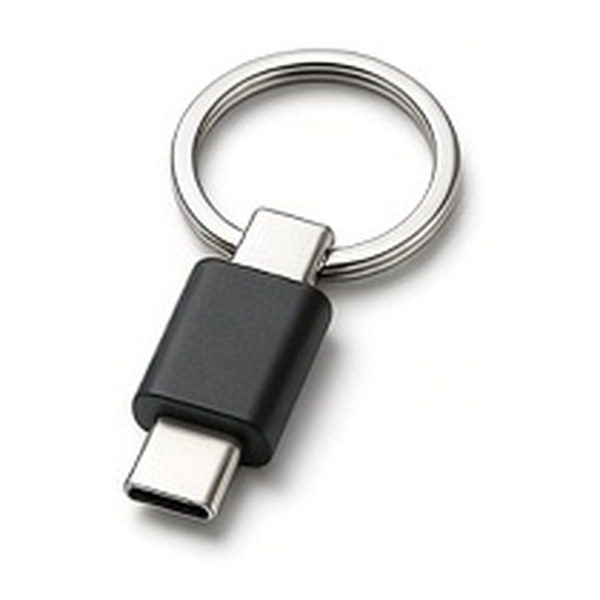
Write down what the drive is for: everyday file transfer, a laptop backup, a photo or video library, or something you carry on your keys. The job decides the format more than the headline capacity does.
Match The Connector To Your Devices
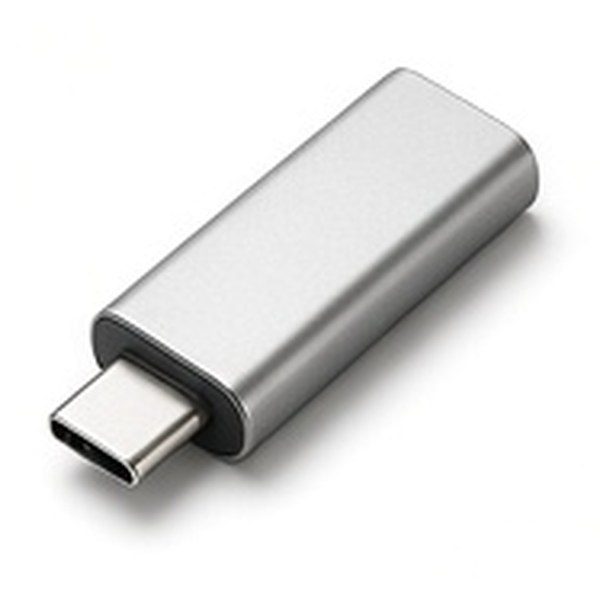
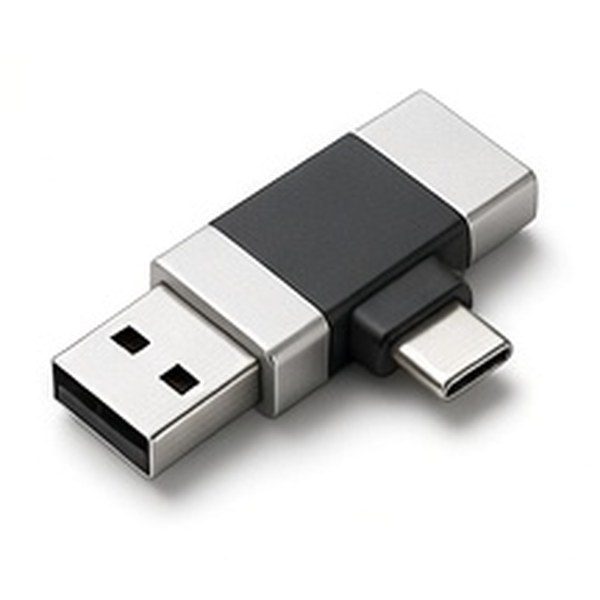
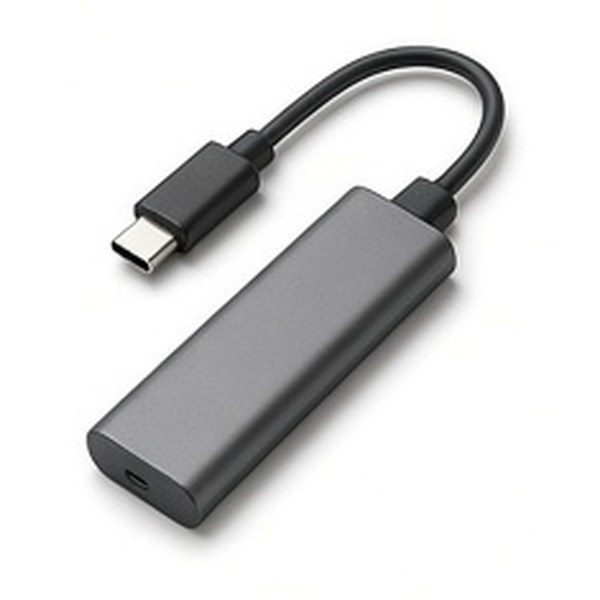
Check the ports on every device you plan to use. Many newer laptops, tablets and phones use USB-C, while older computers, TVs and car stereos often only have USB-A. Dual-connector drives and adapters cover both, so confirm the exact plug on the listing.
Flash Drive, SSD Or Hard Drive
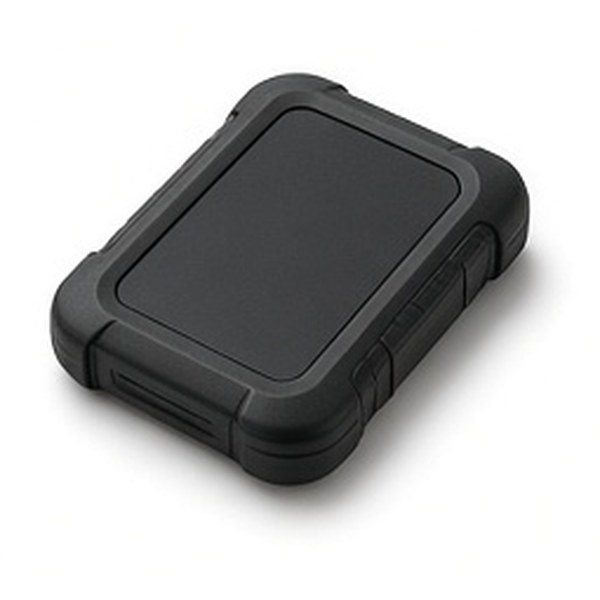
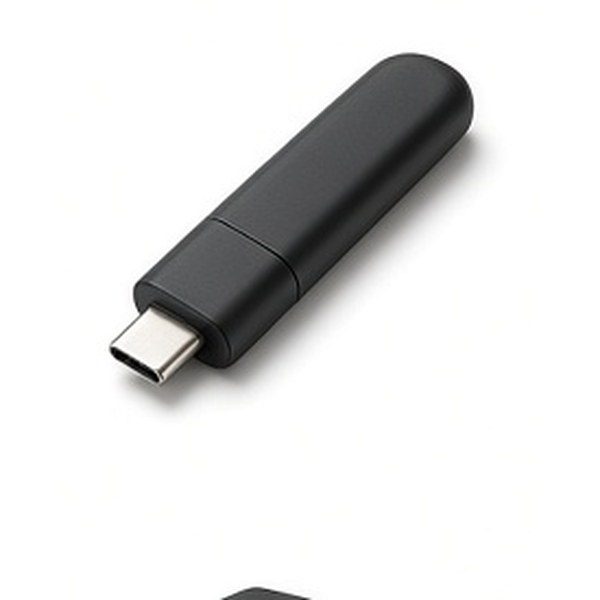
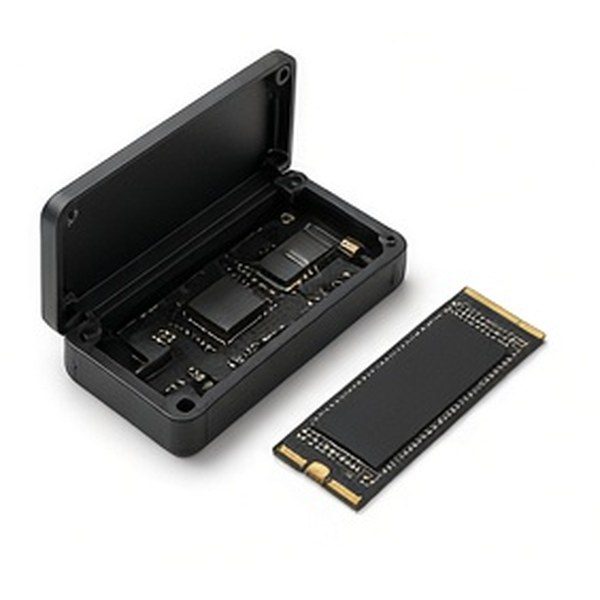
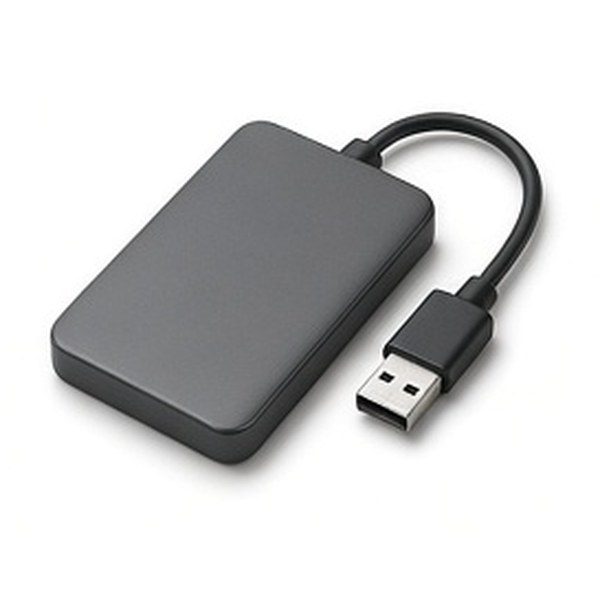
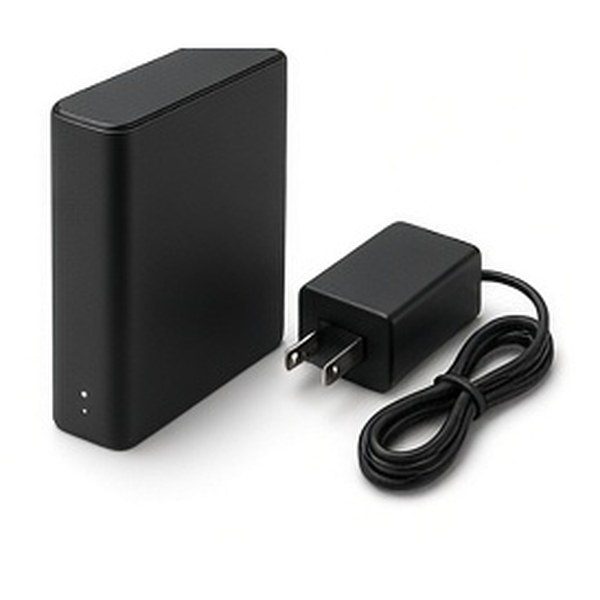
Flash drives are the smallest and simplest. Portable SSDs are slightly larger and are usually chosen for bigger transfers. Portable and desktop hard drives tend to suit large backups that stay at home. Read the listing for the stated transfer figures rather than assuming a type is always faster.
Think About Security And Carrying
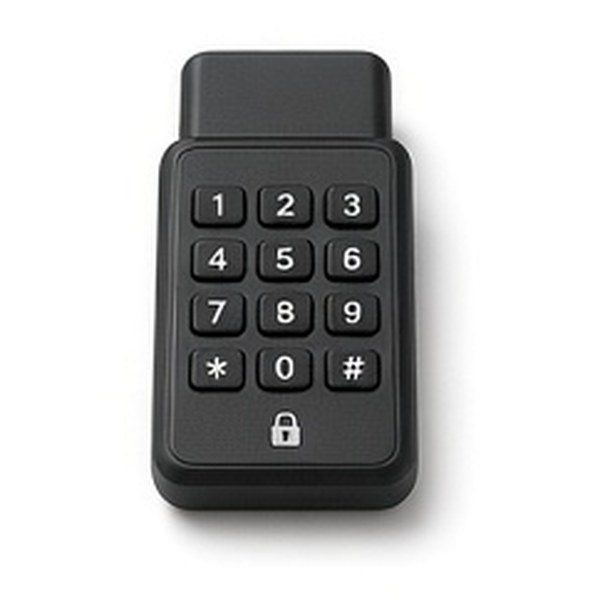
If the drive will hold personal or work files, compare hardware-encrypted models with a keypad or password software. If it travels in a bag, a rugged case or bumper may matter more than size.
Check The Details Before You Buy
Confirm the capacity, what cable is included, the computer formats supported out of the box and the warranty terms shown on the listing. Keep a second copy of important files, whichever drive you choose.
Storage Types To Compare