Optimising your home network speed bottlenecks ensures a seamless digital experience across all connected devices in your UK household.
Read More
Home network speed bottlenecks usually stem from outdated hardware, physical signal obstructions, or interference from neighbouring wireless networks. To fix these issues, prioritise using wired connections for stationary devices, update your router firmware regularly, and ensure your cabling meets modern standards to allow for maximum data throughput across your home.
Why Is Your Wireless Signal Failing To Reach Full Potential
Wireless signals often struggle when traversing thick walls or dense materials common in older property designs. The frequency band used by your hardware plays a vital role in data transmission efficiency. Older standards frequently suffer from congestion when multiple devices compete for the same airtime simultaneously. Physical obstructions create dead zones where signal strength drops significantly, leading to buffering during high definition streaming or video calls. Positioning your primary broadcast unit in a central location away from large metal objects or mirrors can help mitigate these issues. Interference from other household electronics often disrupts the stability of your connection, causing intermittent drops. Understanding the layout of your property is the first step toward rectifying these performance gaps. By minimising the distance between your devices and the signal source, you can often reclaim lost speed without needing to replace your existing infrastructure.
How Do Wired Connections Improve Network Reliability
Wired connections provide a dedicated path for data that bypasses the erratic nature of radio waves entirely. Using high quality physical cabling creates a stable backbone that is immune to the interference that plagues wireless systems. Devices such as desktop computers, gaming consoles, and media servers benefit immensely from a direct link to the central hub. This approach ensures that your most demanding tasks receive the full bandwidth available from your service provider. When you connect hardware directly, you reduce the load on your wireless spectrum, which in turn improves performance for mobile devices that must remain untethered. Consistent data transfer rates are essential for activities requiring low latency. Installing permanent cabling throughout a property requires careful planning but offers the most robust solution for eliminating speed inconsistencies and ensuring that every connected point operates at its maximum capacity.
Which Factors Cause Throughput Limits In Old Routers
Older routing hardware often lacks the processing power required to handle modern high speed data streams effectively. As bandwidth demands increase, the internal components of a legacy device can become a significant point of failure. These units may struggle to manage multiple concurrent connections, leading to latency spikes and reduced throughput across the entire network. Firmware updates are sometimes available, but hardware limitations eventually become unavoidable as new protocols emerge. The capacity to handle simultaneous requests from numerous smart home devices is a key indicator of whether a unit remains fit for purpose. If your current equipment was manufactured several years ago, it likely lacks the necessary architecture to support current transmission standards. Evaluating your hardware capabilities against your actual usage patterns is essential for identifying whether a simple configuration change or a full system upgrade is required.
How Does Local Network Traffic Impact Performance
Internal network traffic refers to the data moving between devices inside your home rather than just the connection to the internet. When you transfer large files between computers or stream media from a local storage device, you consume bandwidth on your local network. Poorly managed local traffic can cause congestion that slows down external internet activities. Implementing a managed switch allows you to segment your network traffic efficiently, ensuring that high priority data reaches its destination without delay. Many users overlook the impact of background synchronisation tasks that run automatically on various devices. These processes can silently consume available capacity, creating bottlenecks that are difficult to diagnose without monitoring tools. By auditing which devices are communicating constantly, you can adjust settings to ensure that bandwidth is available when you need it most for critical tasks.
What Role Do Network Switches Play In Speed Management
A network switch acts as a traffic controller for your wired connections, directing data precisely to the intended device. By replacing a basic hub with a modern switch, you can ensure that every port operates at full speed independently. This prevents the collision of data packets that often occurs in less sophisticated networking gear. Switches are particularly effective in home offices or entertainment centres where multiple devices require a stable connection to the main gateway. Choosing a unit with adequate port density allows for future expansion as your collection of smart devices grows. The ability to handle high volumes of data without introducing delays is the primary advantage of a dedicated switch. It serves as a vital component in creating a professional grade home infrastructure that maintains consistent speeds across all connected points regardless of total load.
How To Identify Interference From Neighbouring Networks
In densely populated UK areas, your wireless network often competes with signals from nearby properties. This overlap creates significant interference, as multiple units fight for the same limited frequency channels. When your network is forced to wait for a clear channel, latency increases and overall speed decreases noticeably. Modern hardware often includes features to automatically select the least congested channel, but manual intervention can yield better results in highly crowded environments. Analysing the surrounding signal environment helps you choose a channel that is not currently saturated by others. Reducing the transmit power of your wireless signal can sometimes prevent it from overlapping with distant networks, which sounds counterintuitive but can improve stability. Taking control of your wireless channel settings is a powerful method for reclaiming performance in apartments or terraced housing where congestion is a constant factor.
Why Firmware Updates Are Essential For Network Hardware
Manufacturers frequently release firmware updates to address performance bugs, security vulnerabilities, and compatibility issues. Running outdated software on your networking gear can leave you with suboptimal speed and limited functionality. These updates often include optimisations that allow the hardware to handle modern traffic patterns more efficiently. Ignoring these notifications means missing out on improvements that could resolve persistent bottlenecks without any cost. It is advisable to check your device management interface periodically for any available patches. Some hardware allows for automated updates, which ensures you are always running the most stable version of the manufacturer software. Keeping your infrastructure current is a simple yet highly effective way to maintain peak performance and ensure that your devices communicate using the most efficient protocols available for your specific home setup.
Is Your Cabling Standard Limiting Your Network Speed
The physical media used to carry data is a frequent but often ignored source of network bottlenecks. Using legacy ethernet cables can prevent your devices from reaching the speeds promised by your internet service provider. Different categories of cabling support different maximum bandwidths and frequencies. If you have older cabling installed, it may be unable to handle high data rates, effectively creating a ceiling on your local network performance. Upgrading to current standards ensures that the cable itself is not the weakest link in your system. It is important to verify the rating of any cable used for critical connections. Inspecting your existing setup for damaged or low grade wiring can reveal hidden performance issues that are easily solved by replacing the physical links with modern, high capacity alternatives designed for current networking requirements.
Products To Compare
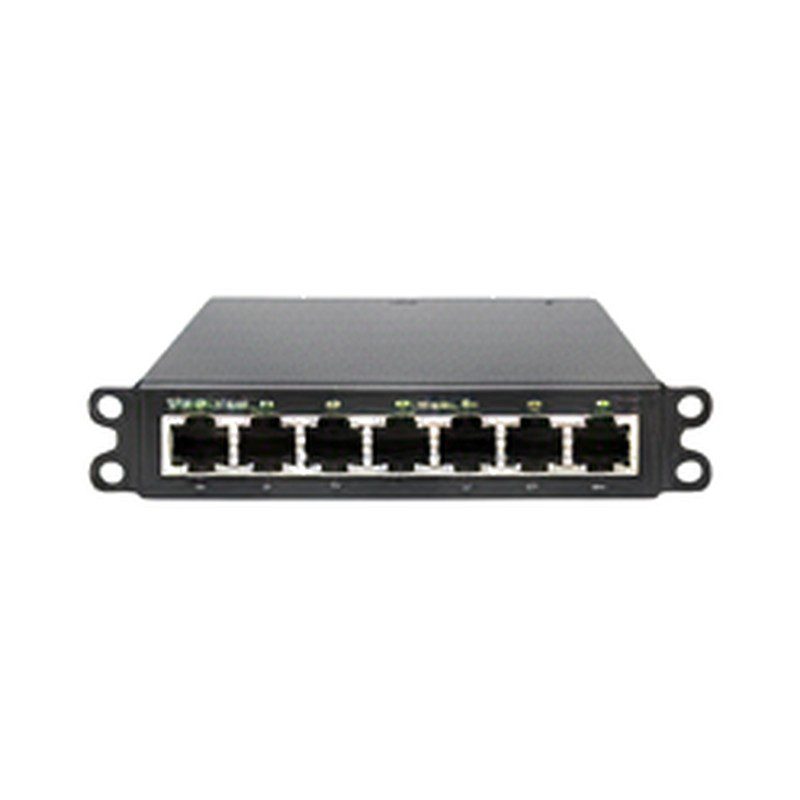
Gigabit Network Switches
Check the port count and the metal casing durability for long term reliability.
COMPARE OPTIONS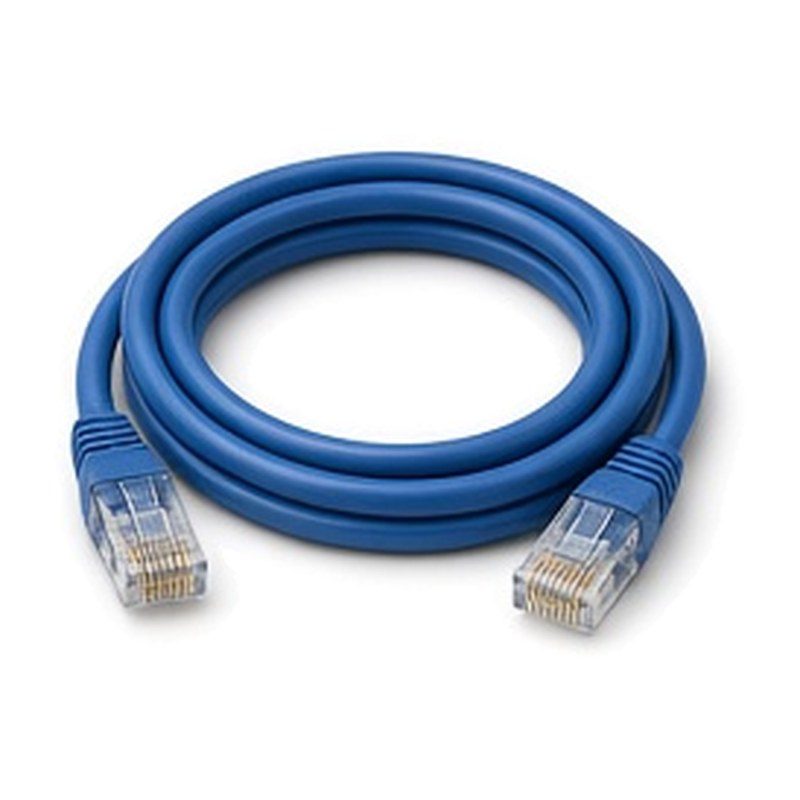
Ethernet Network Cables
Verify the cable category rating and the connector locking mechanism quality.
COMPARE OPTIONS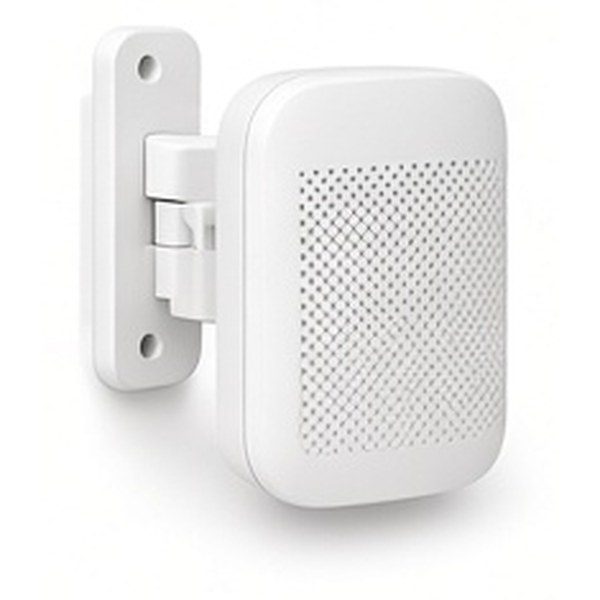
Outdoor Wi Fi Access Points
Compare the listed size, the build and what is included with these outdoor wi-fi access points.
COMPARE OPTIONS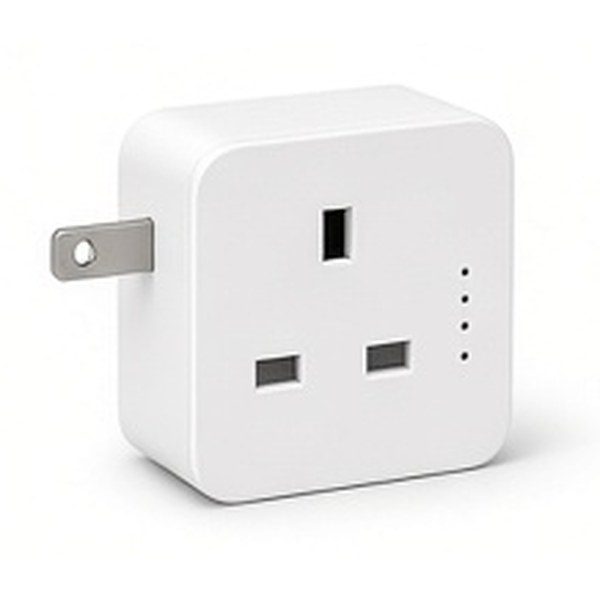
Wi Fi Powerline Adapters
A good pick if wi-fi powerline adapters suit the space and the way you plan to use them.
COMPARE OPTIONS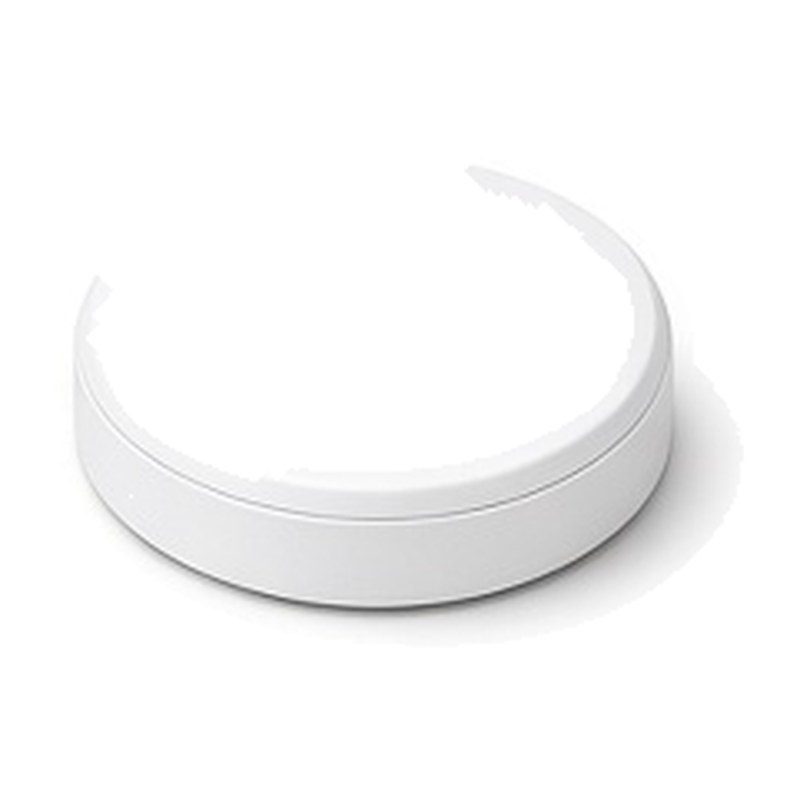
Ceiling Wi Fi Access Points
Compare the size, the build and what comes in the box for ceiling wi-fi access points.
COMPARE OPTIONS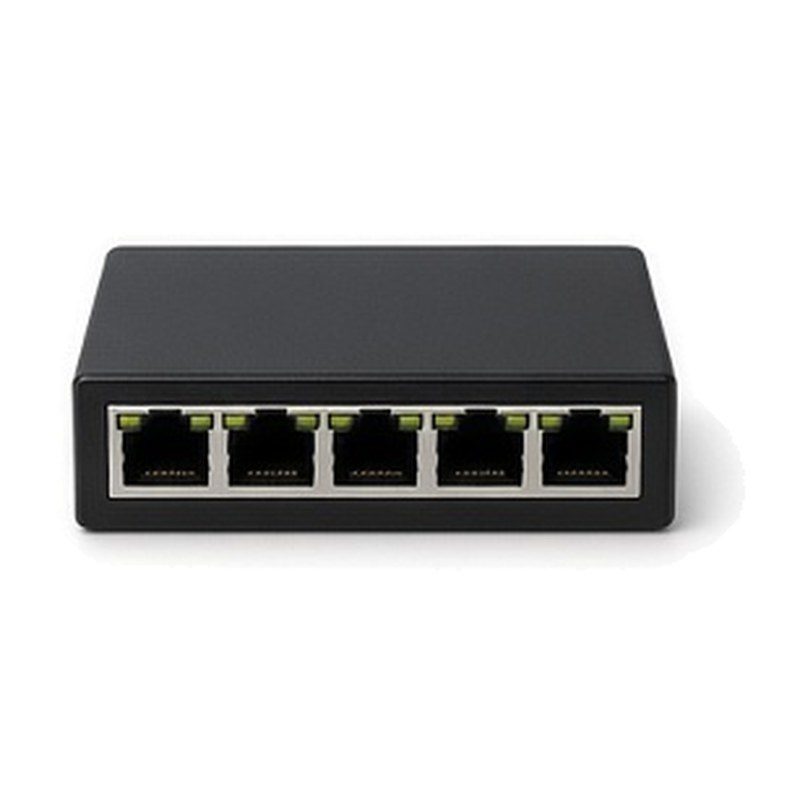
5 Port Ethernet Switches
Worth a look when you want 5-port ethernet switches that match the rest of your setup.
COMPARE OPTIONS
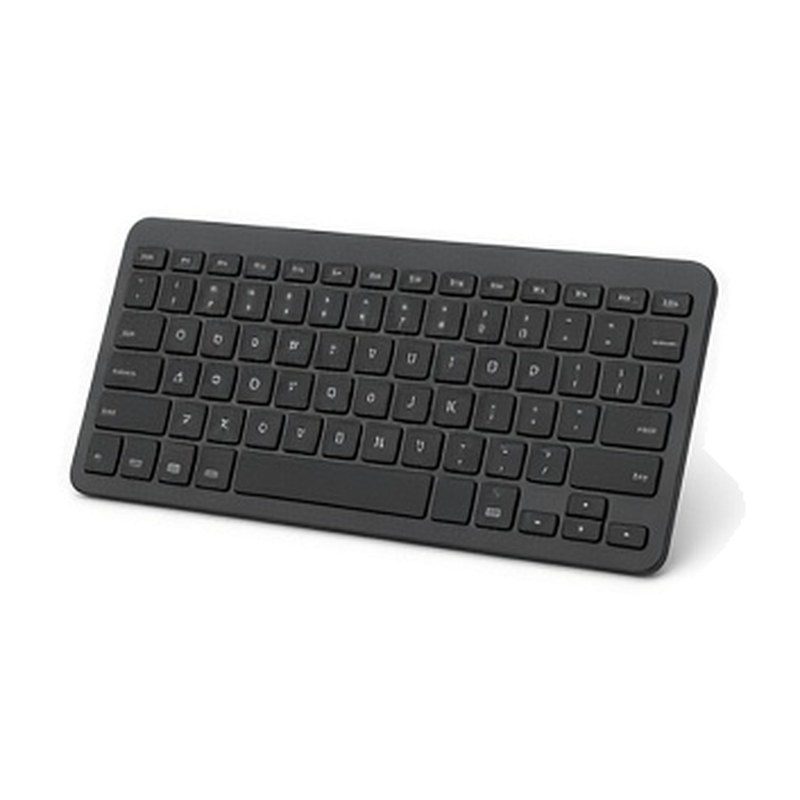
Compact Wireless Keyboards
Handy if you want compact wireless keyboards with a simple, practical design.
COMPARE OPTIONS
Portable Power Banks
Popular with shoppers who want portable power banks for everyday use.
COMPARE OPTIONS
High Speed Hdmi Cables
Look at the dimensions and weight when comparing high-speed-hdmi-cables.
COMPARE OPTIONSBefore Choosing
- Check all physical cable connections for secure seating in every port.
- Verify that your router firmware is set to the most recent version.
- Monitor the number of devices active on your network during peak hours.
- Ensure your primary gateway is positioned away from thick masonry walls.
Questions Shoppers Ask
How Can You Determine If Your Router Is The Bottleneck?
Perform a speed test while connected directly to the router via cable, then compare this to your wireless performance. If the wired speed is significantly higher, your wireless hardware or signal environment is likely the limiting factor. Persistent latency during simple tasks also suggests the router processor is struggling.
Do Different Ethernet Cable Types Really Affect Speed?
Yes, older cable categories have lower frequency limits that cap your data transfer rates. Using a modern cable ensures that your physical connection can handle the full capacity of your internet service. Always check the category rating printed on the cable jacket to confirm it supports your desired speeds.
Why Does The Number Of Connected Devices Matter?
Every active device consumes a portion of your network resources and processing power. A high density of devices creates congestion that slows down the entire network, especially on older hardware. Managing which devices remain connected can significantly improve the responsiveness of your primary workstations and entertainment systems.
Can Changing The Wireless Channel Improve Connection Stability?
Changing the channel helps if you are experiencing interference from nearby networks using the same frequency. Most modern routers can detect congestion and switch automatically, but manual selection is often more effective in crowded areas. This simple adjustment reduces packet loss and improves the consistency of your wireless connection.
Is It Better To Use Powerline Adapters Or Wi Fi?
Powerline adapters can provide a more stable connection than wireless by using your existing electrical wiring. However, their performance depends heavily on the quality and layout of your home electrical circuits. They are often a superior choice for devices located far from the router that require consistent throughput.
How Often Should You Update Your Network Hardware?
You should consider an upgrade when your current hardware no longer supports the latest transmission standards or struggles with your bandwidth needs. If you notice consistent performance drops despite optimal placement and updated firmware, the internal components are likely failing to keep pace with your modern digital requirements.