A PC gaming controller is easier to live with when you compare wired and wireless pads, how they connect to Windows, and what else you need on the same desk.
Read More
Choose a PC gaming controller by deciding between a wired pad, a wireless pad or a racing wheel, then checking how it connects to your Windows PC. Confirm what dongle or cable is included, and leave desk space for a keyboard or mouse for games that still need them. Read the listed compatibility before you order.
Wired Or Wireless
A wired pad is simple and does not stop for a battery. A wireless pad needs a clear pairing method and a way to recharge or replace cells.
Check The PC Connection
Some pads use a USB cable, some use a dongle, and some use Bluetooth. Confirm what is in the box and what your PC already supports.
Wheels Are A Separate Choice
A racing wheel and pedals suit driving games and need a firm desk or clamp. Read the listed game support before you buy.
Leave Room For A Keyboard And Mouse
Many PC games still need a keyboard for menus or a mouse for aiming. A smaller keyboard can free space for the pad.
PC Controller Types To Compare
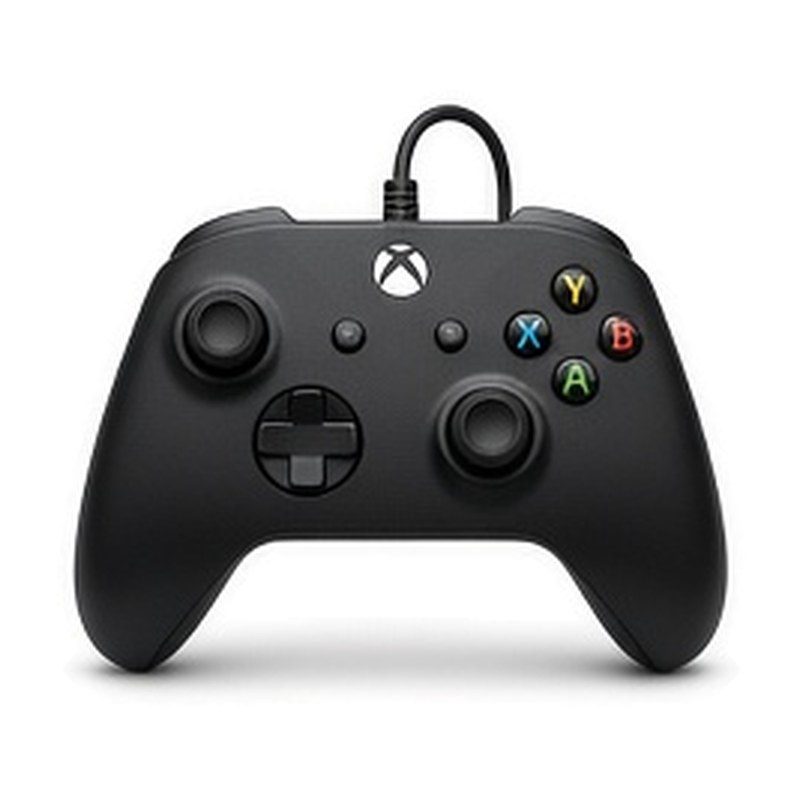
Wired PC Game Controllers
A wired pad is simple to set up and does not rely on a battery mid session.
COMPARE OPTIONS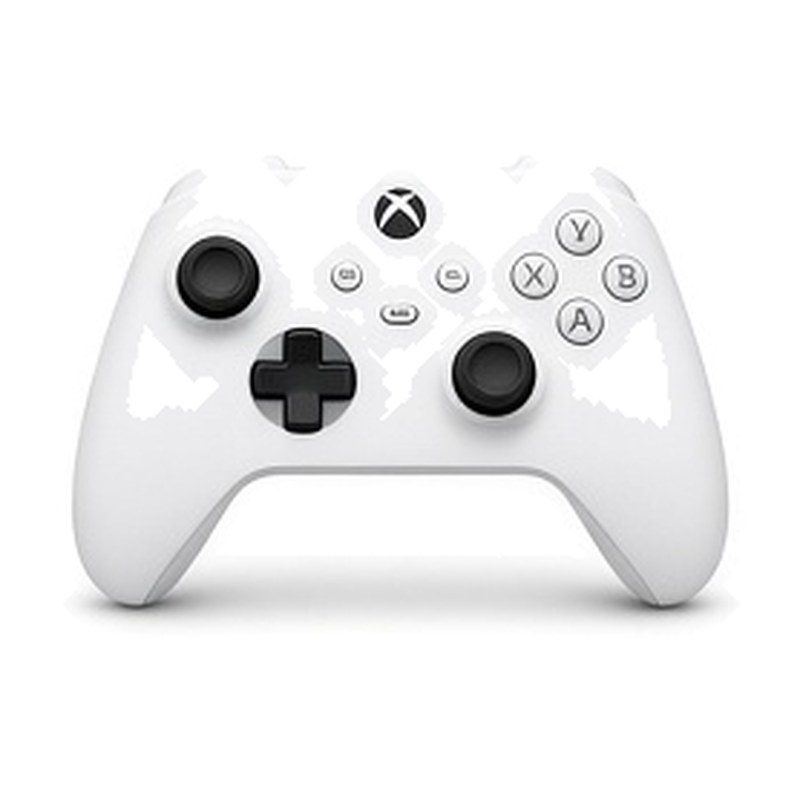
Wireless PC Game Controllers
Confirm how the pad pairs with a Windows PC and what dongle or cable is included.
COMPARE OPTIONS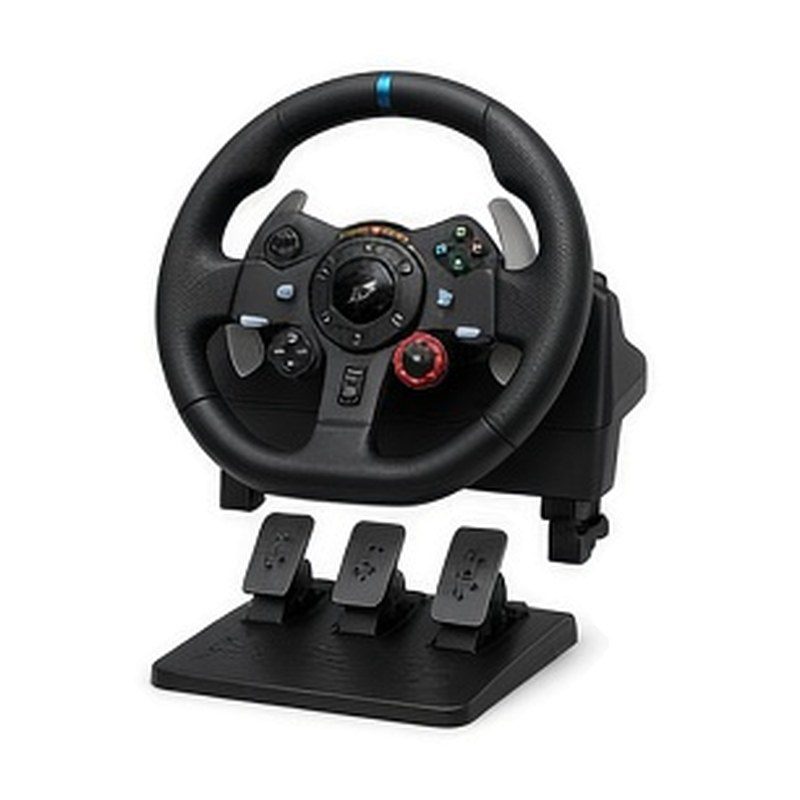
PC Racing Wheels
A wheel and pedals suit driving games; check the clamp and the listed game support.
COMPARE OPTIONS
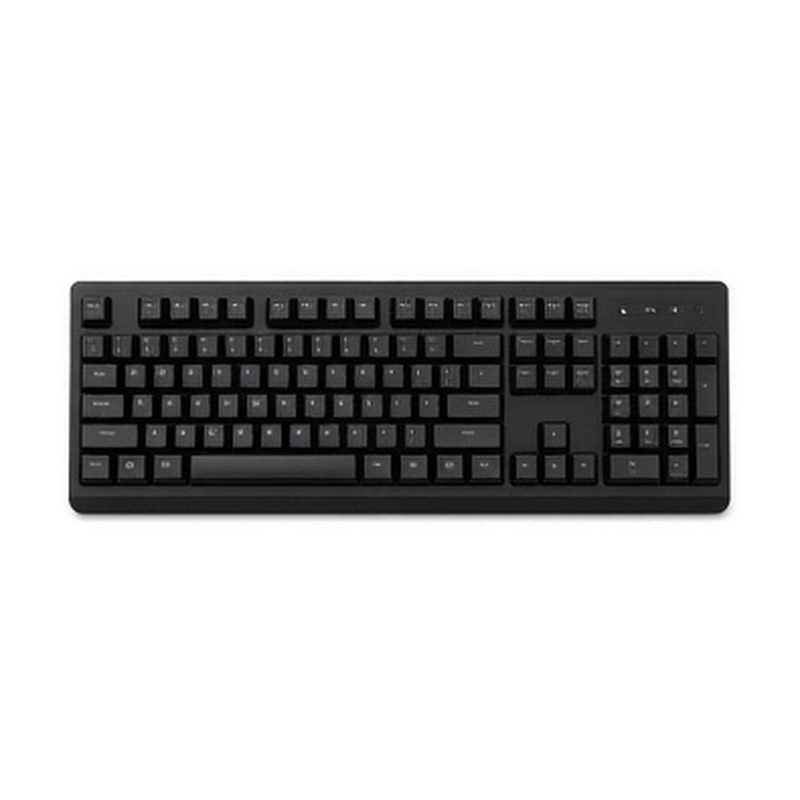
Mechanical Gaming Keyboards
Still useful for games that are faster on a keyboard than a pad.
COMPARE OPTIONS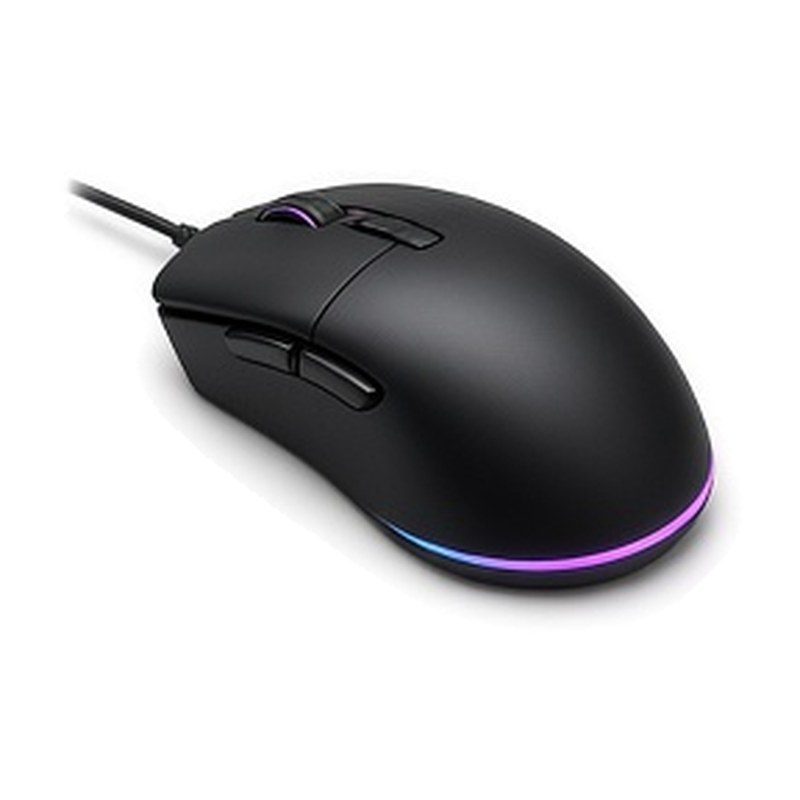
Wired Gaming Mice
A wired mouse sits well next to a controller for games that need both.
COMPARE OPTIONSCleaning And Maintenance For Plastic Gaming Grips
Dust and skin oils gather quickly in the crevices around thumbsticks and trigger hinges during long sessions. Wipe down the plastic casing every week using a slightly damp microfibre cloth without harsh chemical sprays that could strip the tactile coating. Keep your device stored inside a protective shell or drawer when not in use to prevent pet hair and airborne debris from settling inside the sensitive mechanical switches. Periodically inspect the charging port for lint accumulation and gently clear any blockages using a wooden toothpick to ensure a reliable cable connection whenever you need to replenish the internal power cells before your next evening gaming marathon.
Choosing Ergonomic Shapes For Smaller Hands
Finding a comfortable grip is vital if standard gamepads feel too bulky or cause wrist strain during extended play periods. Compact models often feature narrower handle spacing and shorter trigger travel distances, which prevent finger fatigue for younger players or anyone with a more modest reach. Examine the positioning of shoulder bumpers and rear paddles to verify your index fingers can rest naturally without overextending. Testing a device’s physical proportions in person before purchasing helps ensure your thumbs reach every face button and analogue stick smoothly without requiring awkward hand adjustments mid-match.
Managing Bluetooth Latency On Custom Gaming Rigs
Connecting wirelessly via Bluetooth requires a direct line of sight and a modern motherboard adapter to minimise input lag during fast-paced competitive matches. Interference from nearby Wi-Fi routers or household appliances can occasionally cause stuttering inputs, making a dedicated USB radio frequency dongle a more reliable alternative for stable signal transmission. If your desktop computer sits underneath a cluttered wooden desk, repositioning the receiver onto the top surface using a short extension cable often clears up erratic connection behaviour instantly. Always check your operating system settings to ensure the latest hardware drivers are installed for optimal wireless responsiveness.
Transporting Controllers Safely Inside A Backpack
Taking your input device to a friend’s house requires careful packing to prevent analogue sticks from snapping or triggers from bending under pressure. Slide the gamepad inside a moulded hard-shell travel case that cushions the entire perimeter rather than dropping it loosely among heavy books and chargers. Wrap any detachable braided cables loosely in a separate pouch to avoid putting stress on the connector ends or wrapping copper wires too tightly around the fragile plastic frame. Taking these simple protective precautions guarantees your equipment arrives fully functional and ready for action without unexpected hardware failures spoiling the fun.
Questions Shoppers Ask
Will A Controller Work On A Windows PC?
Most pads made for PC will, but you should still check the listed connection method and whether a dongle or cable is included.
Is A Wired Pad Better Than A Wireless One?
A wired pad is simpler and will not stop for a battery. A wireless pad is tidier if you have a reliable way to connect and charge it.
Do I Need A Racing Wheel Instead?
Only if you play driving games often and have a desk or stand that can take the clamp and pedals. A standard pad is more flexible for other titles.
Can I Use A Controller With A Keyboard And Mouse?
Yes. Many people keep a pad for some games and a keyboard and mouse for others. Leave space on the desk for both.
Can I Calibrate The Analogue Sticks In Windows?
Yes, you can easily calibrate the analogue sticks through the built-in game controllers utility found within the main operating system settings menu. This diagnostic tool lets you check dead zones, correct drifting issues, and verify that every directional input registers fully before launching your favourite titles.
Are Third Party Charging Docks Worth Buying?
Yes, a dedicated charging dock keeps your gaming area tidy and ensures your gamepad always has a full battery without loose cables trailing across the desk. Look for a model that includes secure magnetic drop-in connectors and clear LED status indicators to show when the charging cycle is complete.